Verde Controls Guide
Camera, placement, and UI shortcuts that keep building cozy.
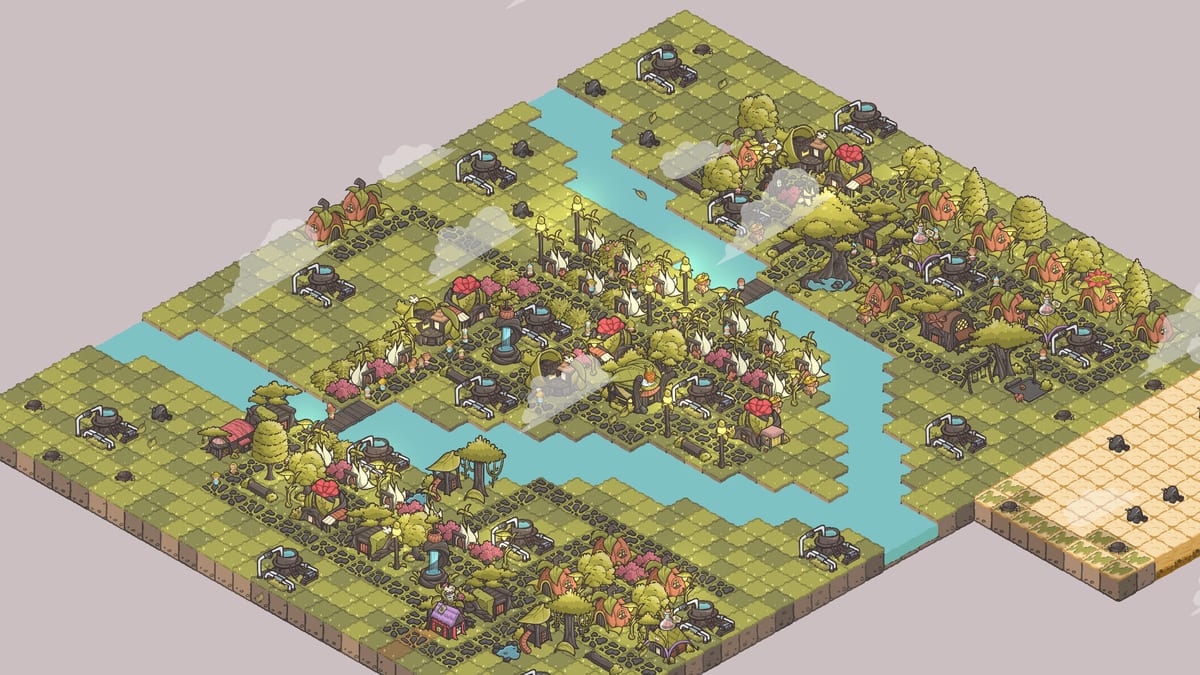
Verde teaches controls gently inside the tutorial, but a single reference page helps when you return after a break. This guide documents the mouse-first control scheme used in the demo and early builds, plus UI tools you will click constantly.
Pair with Getting Started and How to Play.
Camera controls
- Pan: click and hold left mouse button or middle mouse button, then drag.
- Zoom: scroll wheel in and out.
- Focus: keep the cursor near the district you are editing so you do not overshoot shoreline parcels.
If pans feel inverted compared with another city builder, slow down and use shorter drags during the first session — Verde’s pace rewards precision over flicking.
Building placement
- Select a blueprint from a category tab such as Housing or Utility.
- Move the ghost with the mouse.
- Rotate: middle-click (a click, not a hold) to turn the ghost.
- Confirm placement, or cancel if the ghost shows a blocked state.
Blocked ghosts usually mean terrain mismatch, overlapping footprints, or missing environmental requirements such as cooling on beach tiles. See Unlock Regions.
Selection and editing
Click buildings to inspect needs, remove obstacles, or open the paintbrush. Demo updates introduced multi-select style tools for moving or removing multiple buildings at once — useful when redesigning a plaza. Obstacle clearing spends Leaves; confirm costs before deleting a whole rock field.
Essential UI buttons
- Mailbox / quests: track objectives and claim blueprint rewards.
- Heat map (magnifying glass): diagnose happiness, decoration, water, nutrition, goods, and social layers.
- Paintbrush: customize parts and colors; save presets when available.
- Land plus icons: buy expansions on the valley border.
Keyboard expectations
Verde’s comfort fantasy is pointer-driven. There may not be a deep keybind overhaul in early builds. If you rely on WASD camera habits from other games, be ready to relearn mouse pans. Check in-game settings after patches for any new toggles noted in Demo Notes.
Controllers and Steam Deck
At the time of preview coverage, Verde lacked a polished controller scheme for handheld play. Until official support is announced, assume mouse and keyboard. This is the biggest comfort caveat for Deck owners.
Accessibility-minded tips
- Zoom in when placing small decorations beside medium houses.
- Use heat maps instead of guessing why a quest percentage is stuck.
- Customize landmark colors so important buildings remain recognizable at night.
Practice drills
Spend five minutes in the demo or a fresh save doing only camera laps around your first fountain. Then place and rotate five bushes. Then open and close the heat map twice. Muscle memory beats frustration when the tropical region suddenly demands fans.
For hardware readiness see System Requirements. For build order once controls click, visit Early Buildings Priority.
Five-minute control gym
Pan around your first fountain ten times, zoom from rooftop to valley twice, rotate five bushes through every facing, open and close the heat map, and claim one mailbox reward. That gym prevents the mid-tropical frustration spike better than any settings myth. Repeat after patches if camera options change.
Habits that save a session
Middle-click rotates a ghost; holding middle-click pans. Mixing those two is the most common “the camera ate my house” complaint. Zoom out before a land purchase so you see which plus icon is tropic versus garden. Disable heavy overlays if pans feel sticky on a warm laptop.
Verde remains mouse-first after launch week. Do not promise a friend a couch co-op night. If a Steam Deck layout appears later, this page will change; until then pack a pointer. Pair controls with Troubleshooting when a click does nothing because a language panel or tutorial pin is stealing focus after 1.0.2.
Frequently Asked Questions
Quick answers to the most common questions.
How do I rotate buildings?
Use a middle mouse click while the placement ghost is active.
How do I move the camera?
Click and hold left or middle mouse and drag; scroll to zoom.
Is there controller support?
Do not count on full controller/Steam Deck support until official notes say otherwise.
Where is the heat map?
Look for the magnifying glass style control in the building UI cluster.